Start
Lights only
The screen and controls alternate red and blue with synchronized pulses from the supported rear flashlight. No video or microphone recording. The display stays bright and awake while NightSafe is active.
 NightSafeLIGHT YOUR WAY
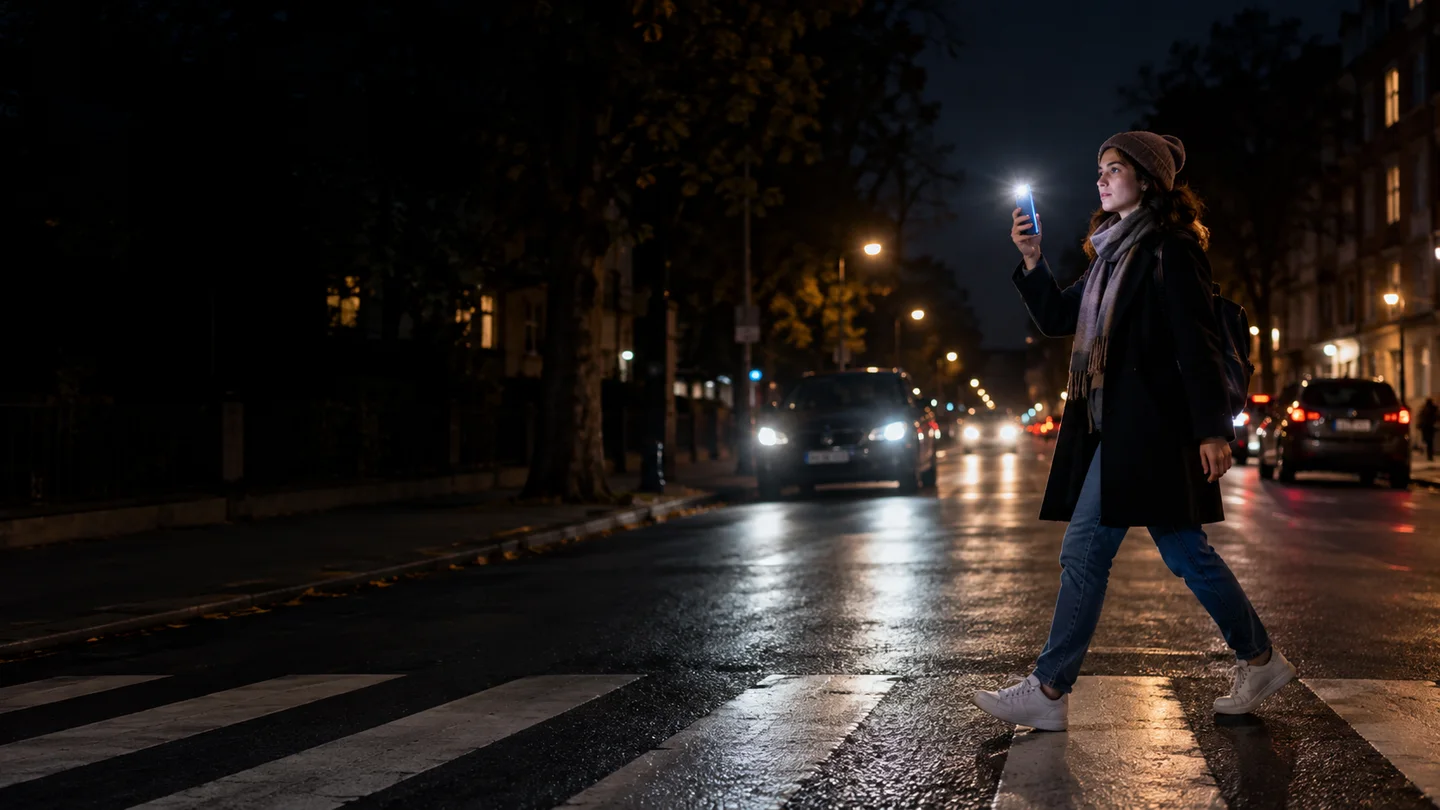
A flashing screen on one side. Your phone flashlight on the other. NightSafe helps you signal your presence when walking after dark or crossing a two-way street.
Version 2.1.8 has been submitted for Google Play review. The current store release may not yet include every feature shown here.
Two clear controls put you in charge. No camera-selection buttons. No account to create.
Lights only
The screen and controls alternate red and blue with synchronized pulses from the supported rear flashlight. No video or microphone recording. The display stays bright and awake while NightSafe is active.
Lights + video + audio
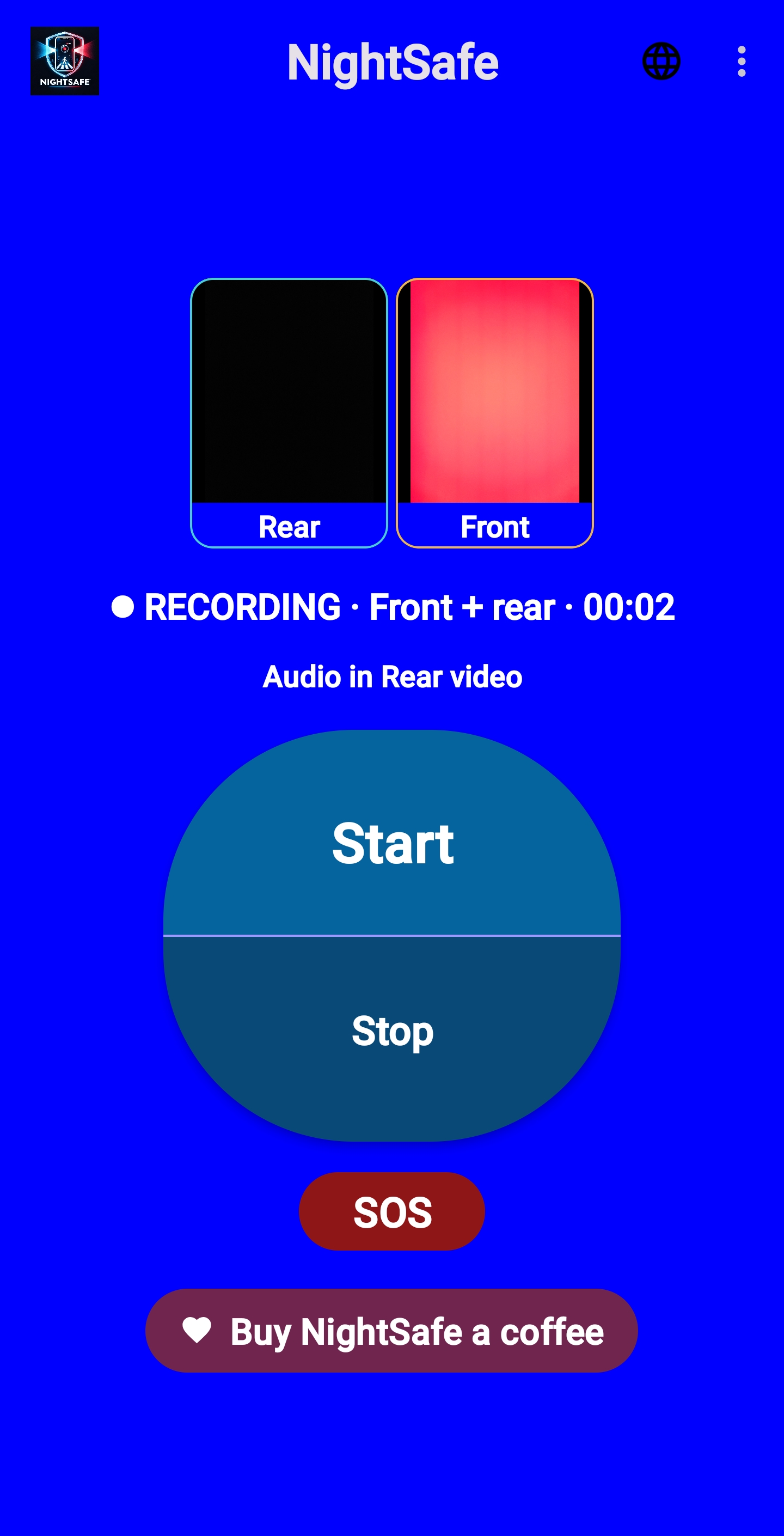
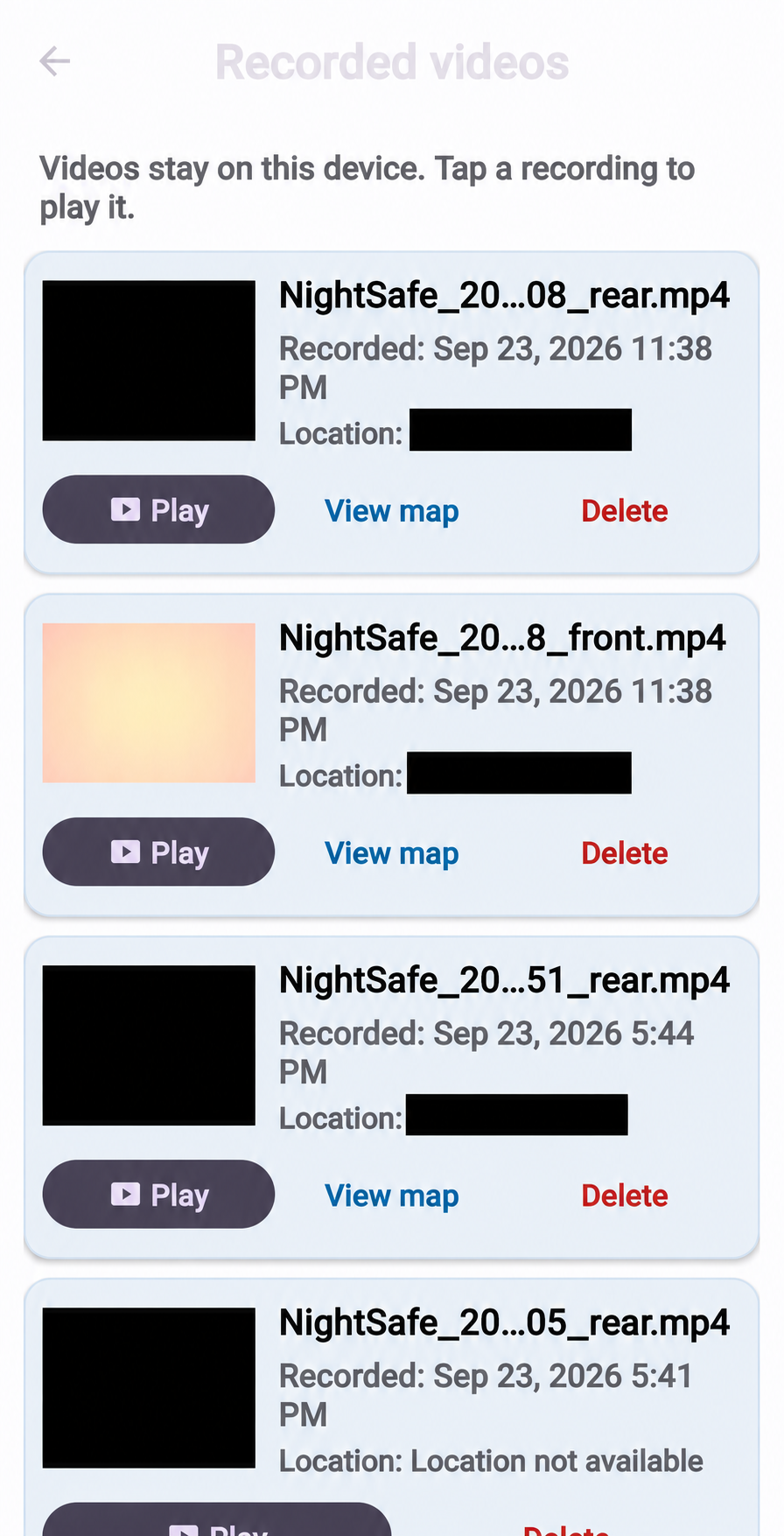
The same red/blue light signals, plus on-device recording. Compatible phones use front and rear cameras together. Other phones use one available camera, with rear preferred. Open Recorded videos from the three-dot menu to review clips with their local date, time and optional approximate location.
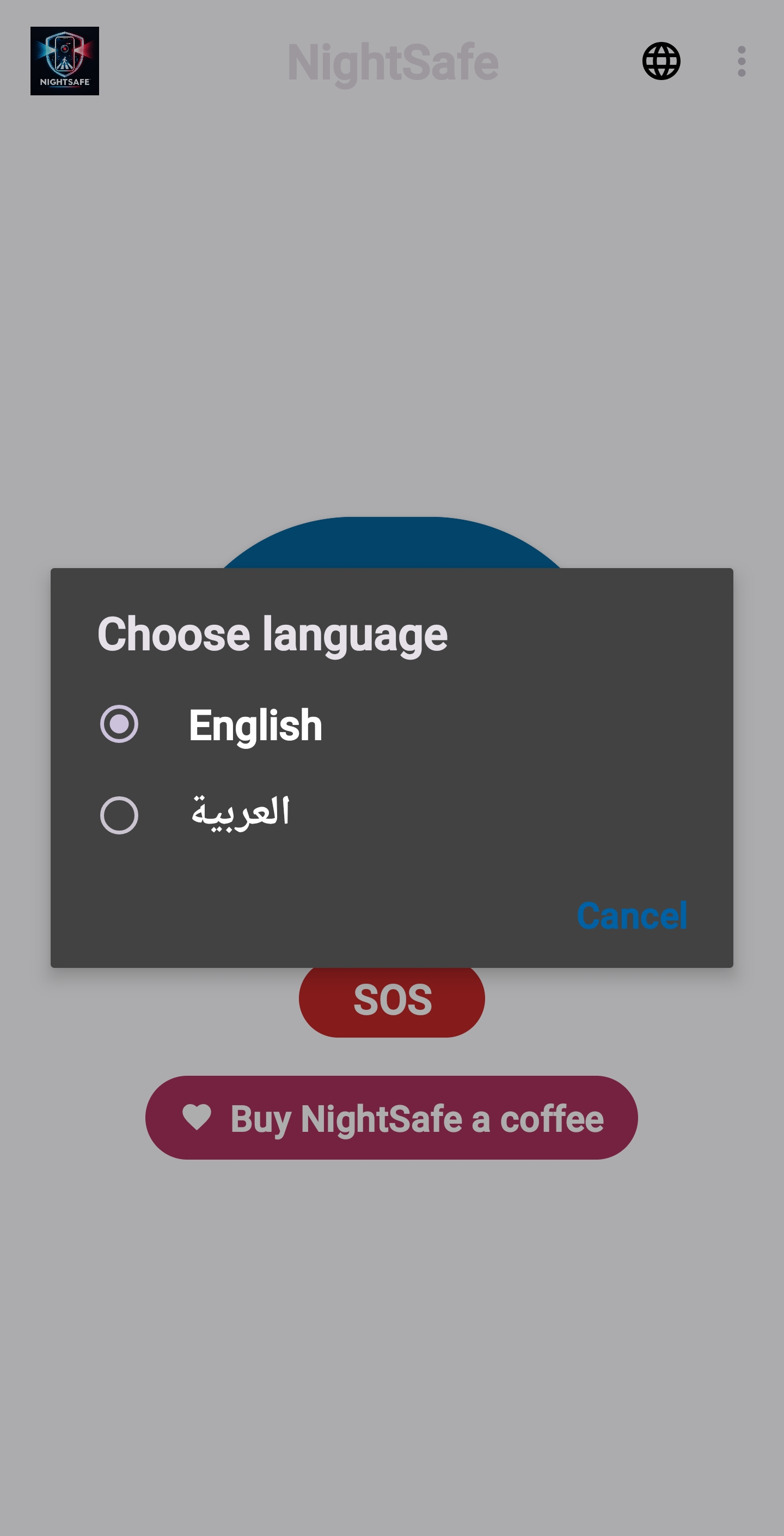
Phone screenshots show the home controls, front-and-rear recording on a compatible phone, language choices and saved videos. Locations in the video list are hidden for privacy.
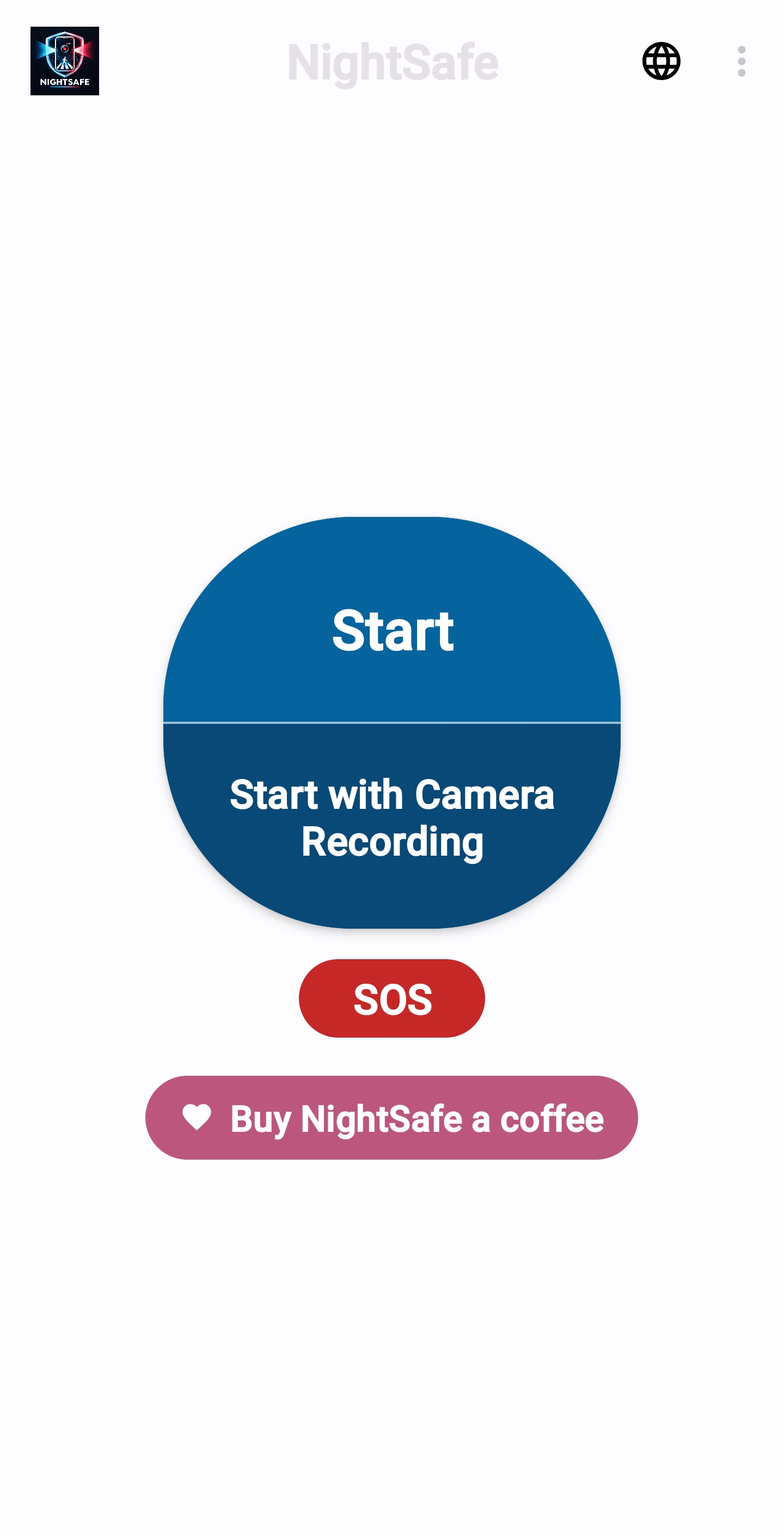
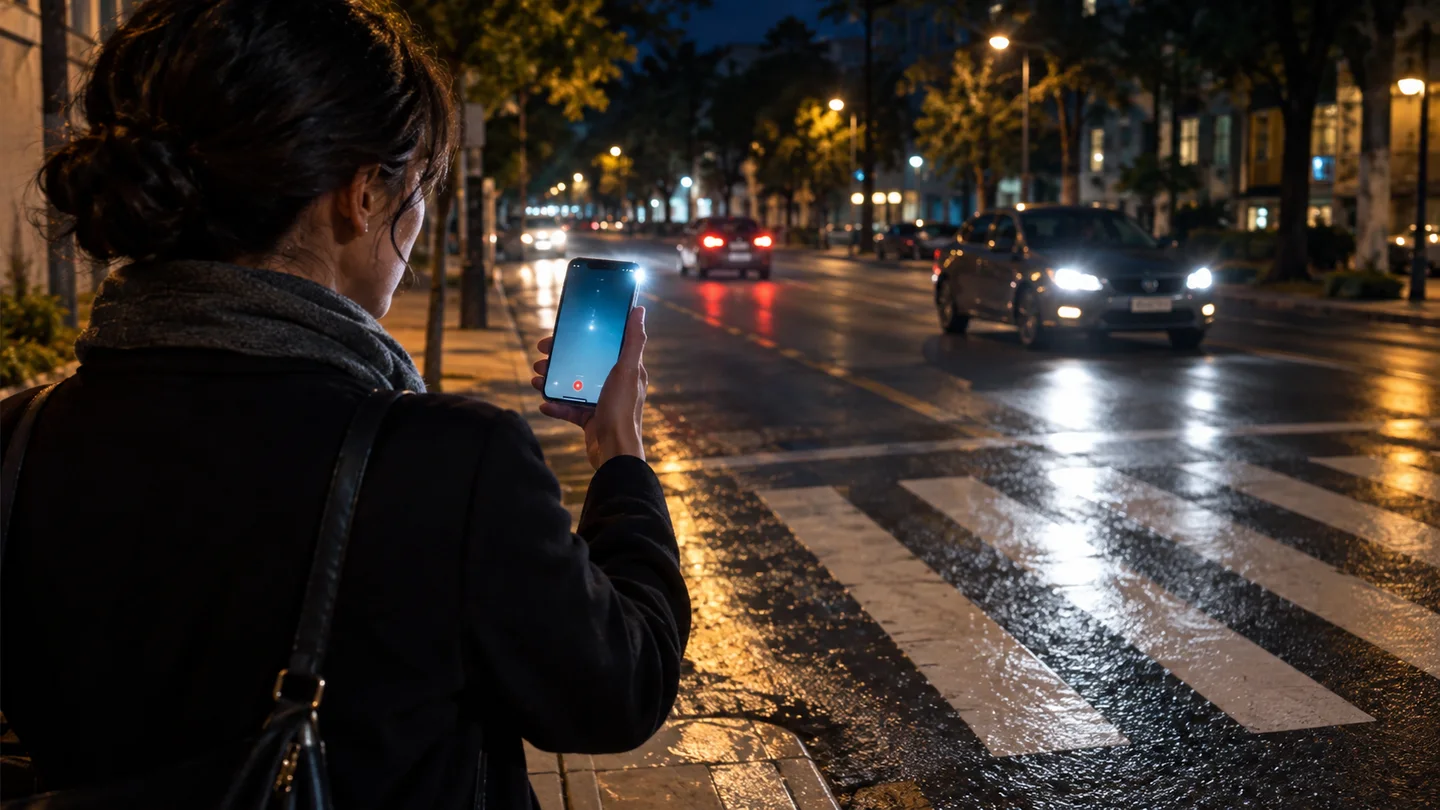
On a dark two-way street, hold the phone so the screen and rear flashlight face different directions. Keep your attention on traffic and use a marked crossing where available.
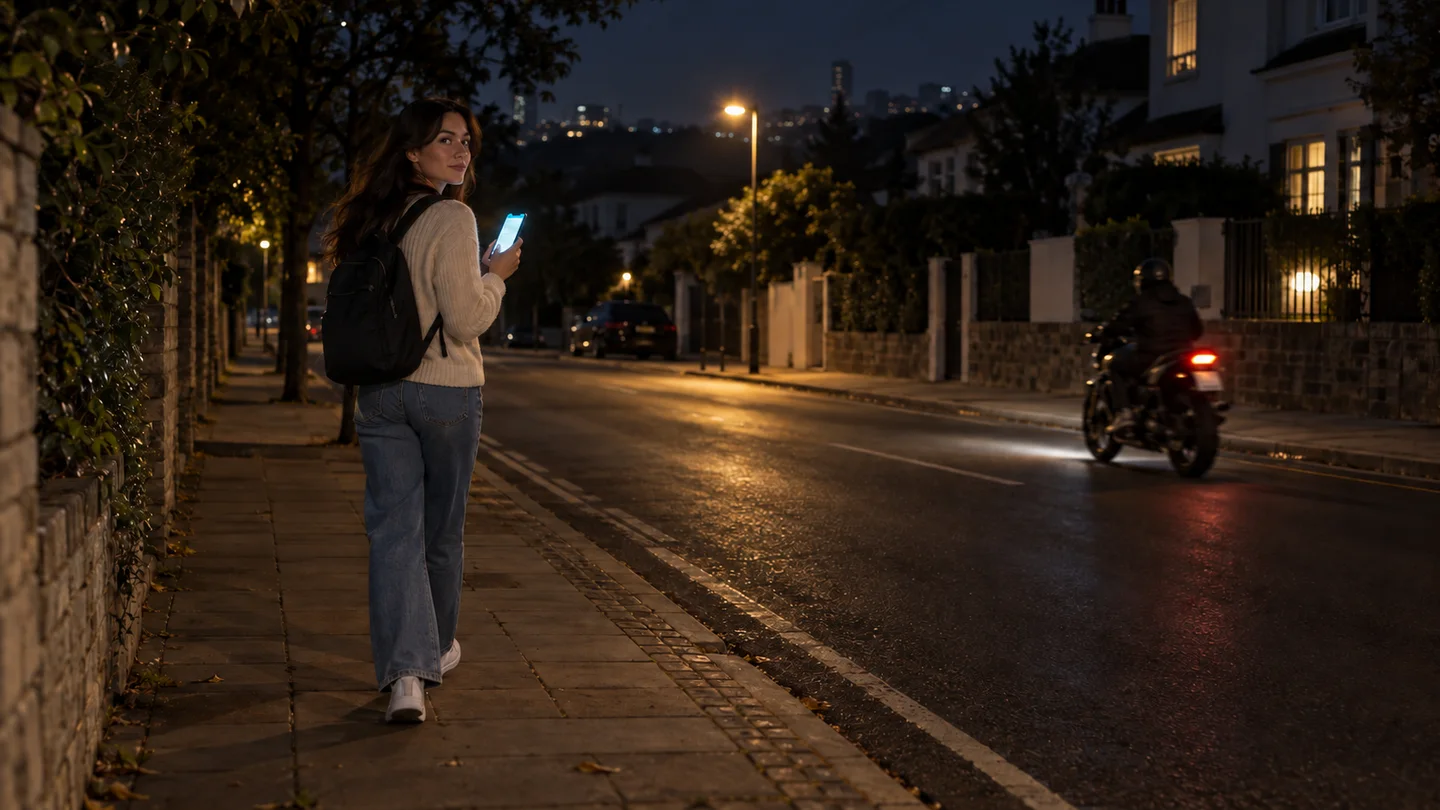
NightSafe is also for ordinary nighttime walks. Start the lights before you set off and keep the phone positioned where its light can be seen.
A recording may help you review an incident, including a driver leaving the scene, if the event is within view and captured clearly. Visibility, identifying details and successful recording depend on the phone, its position and the available light.
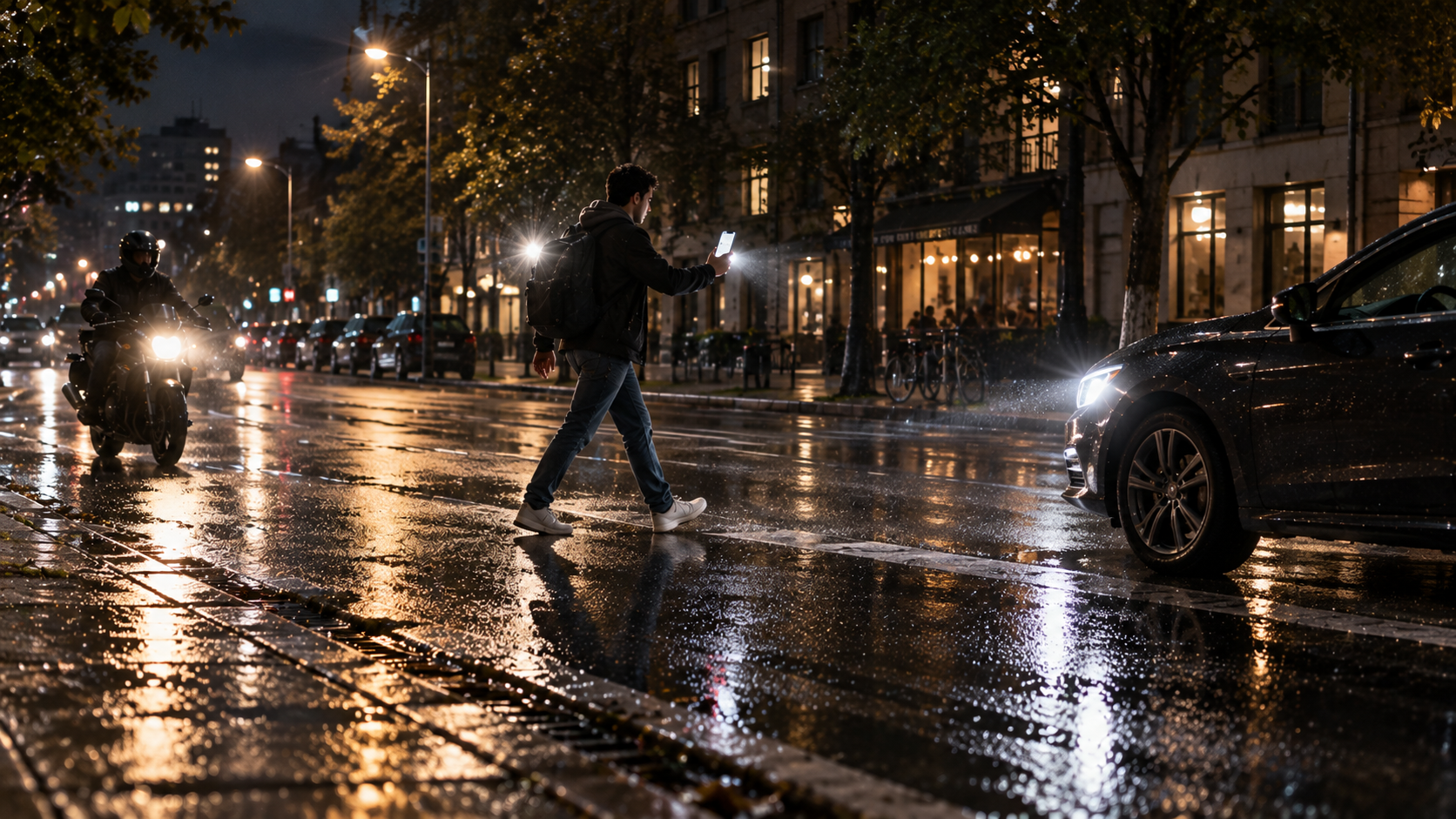
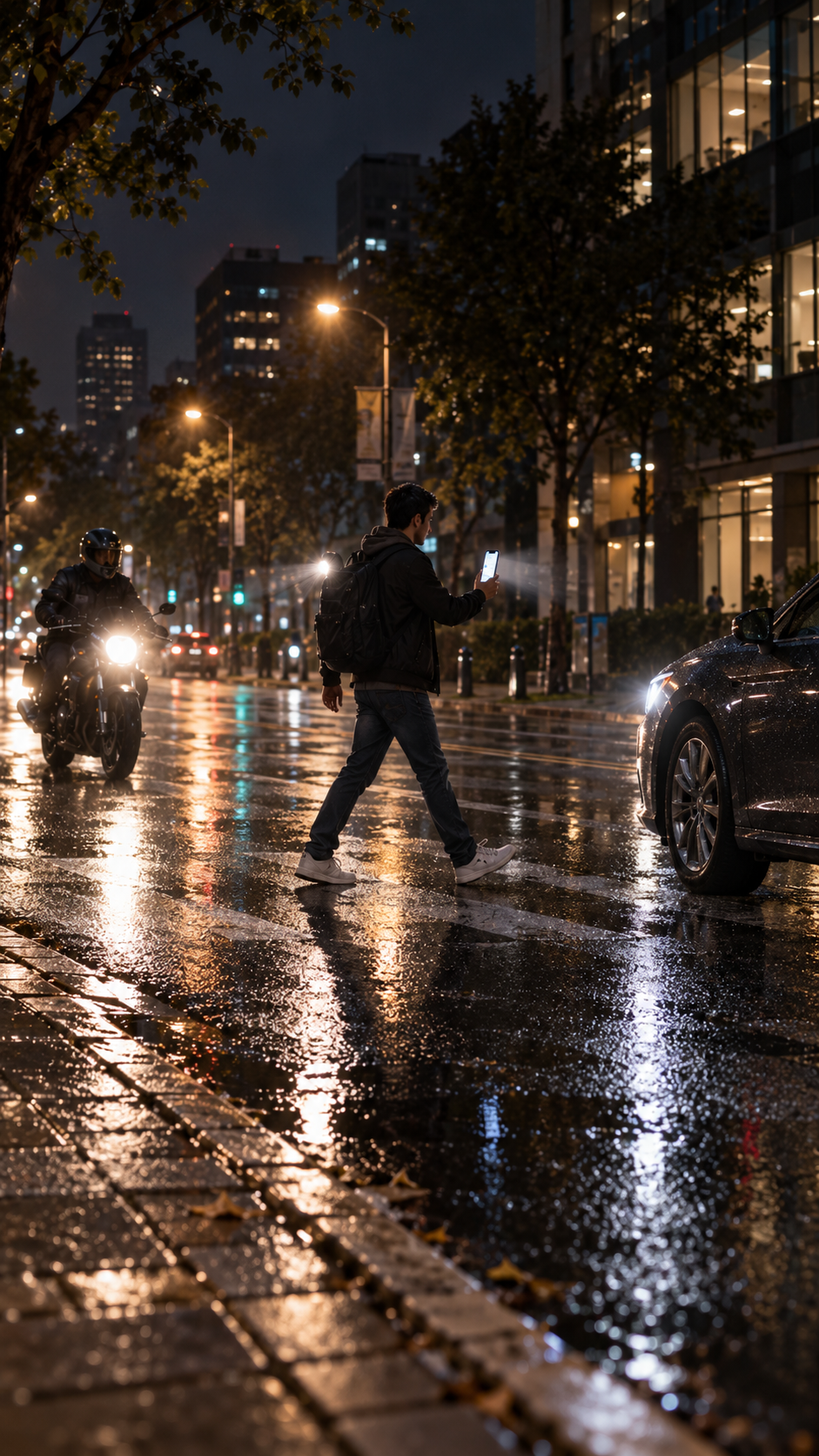
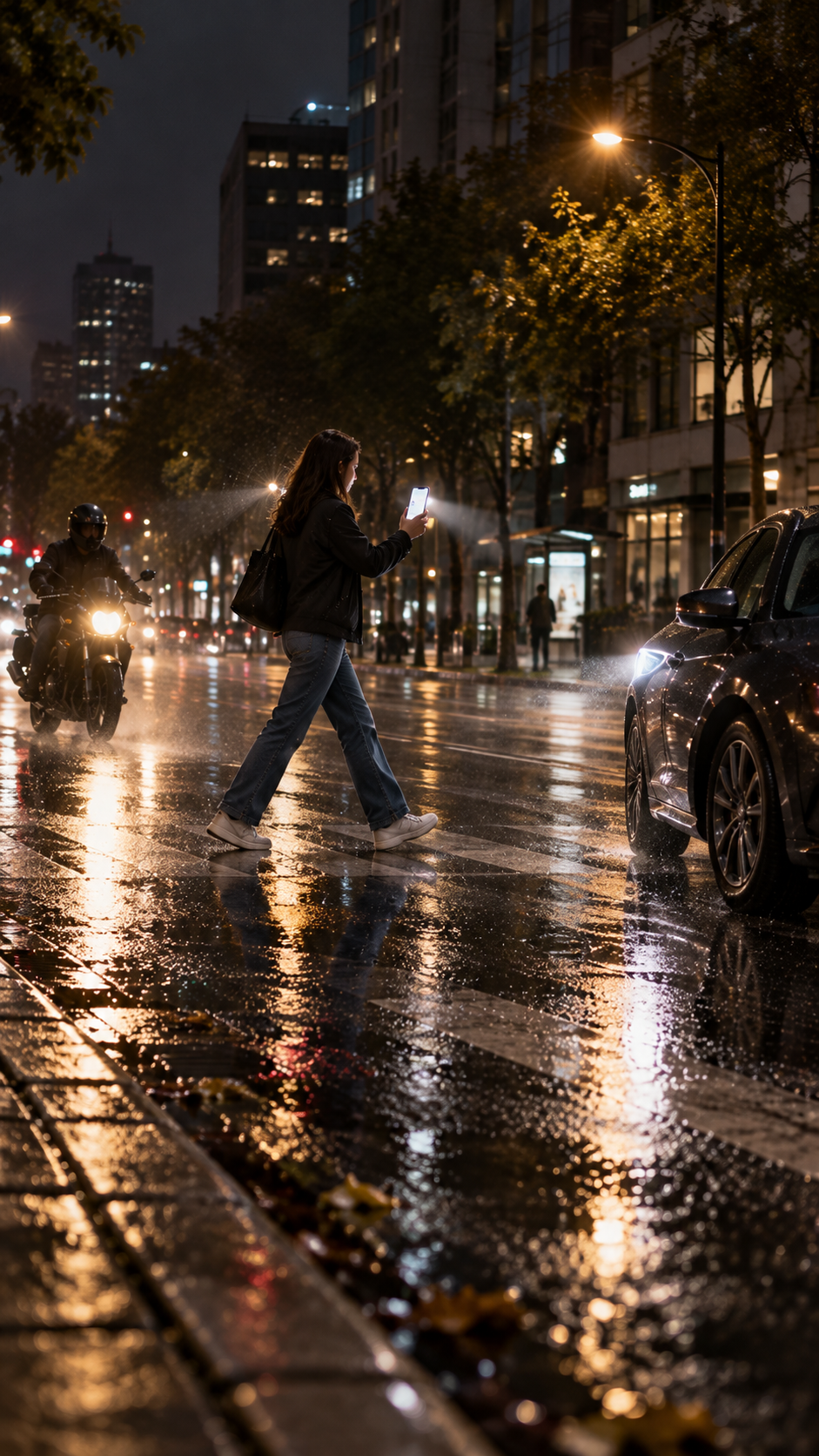
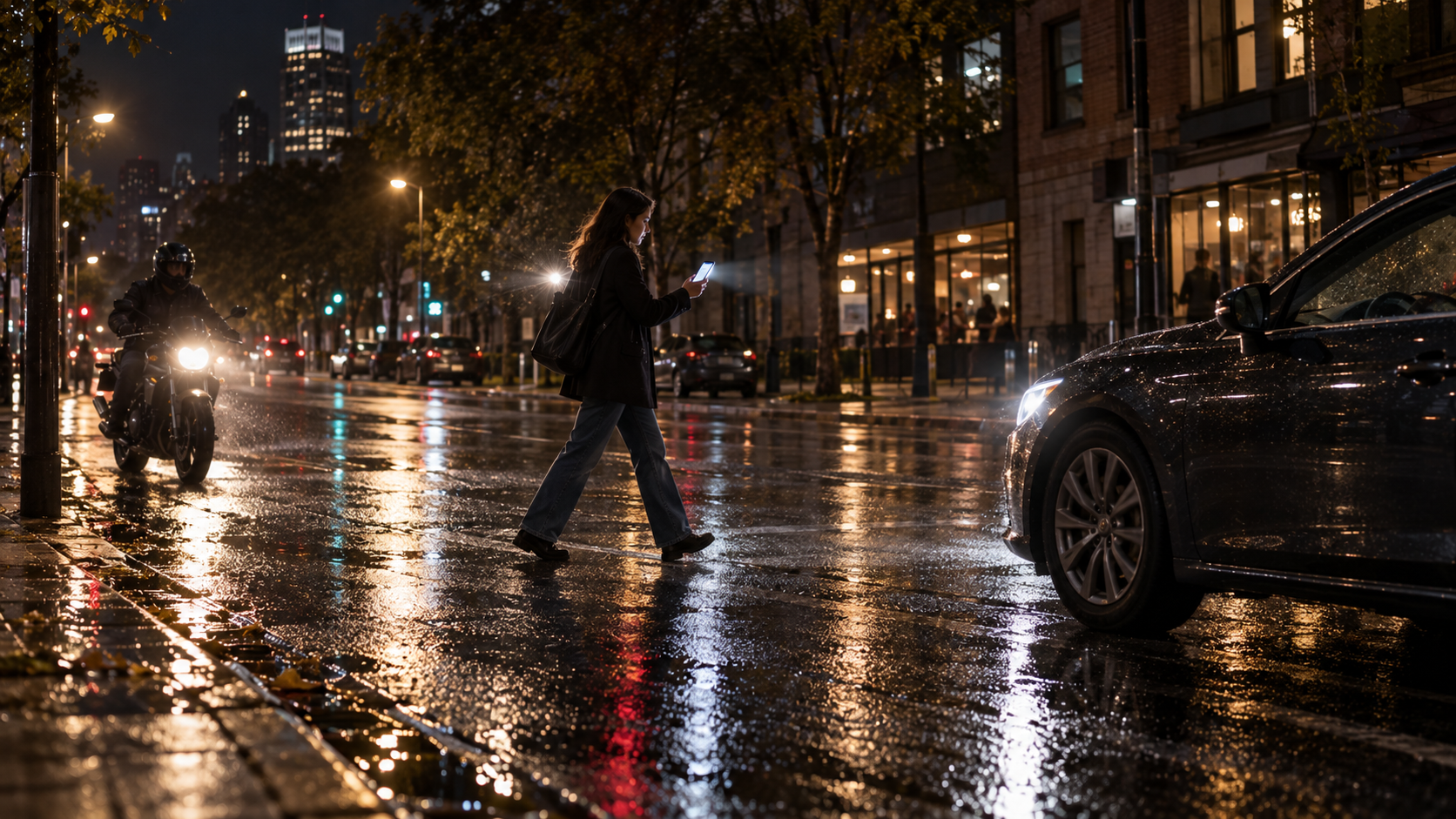
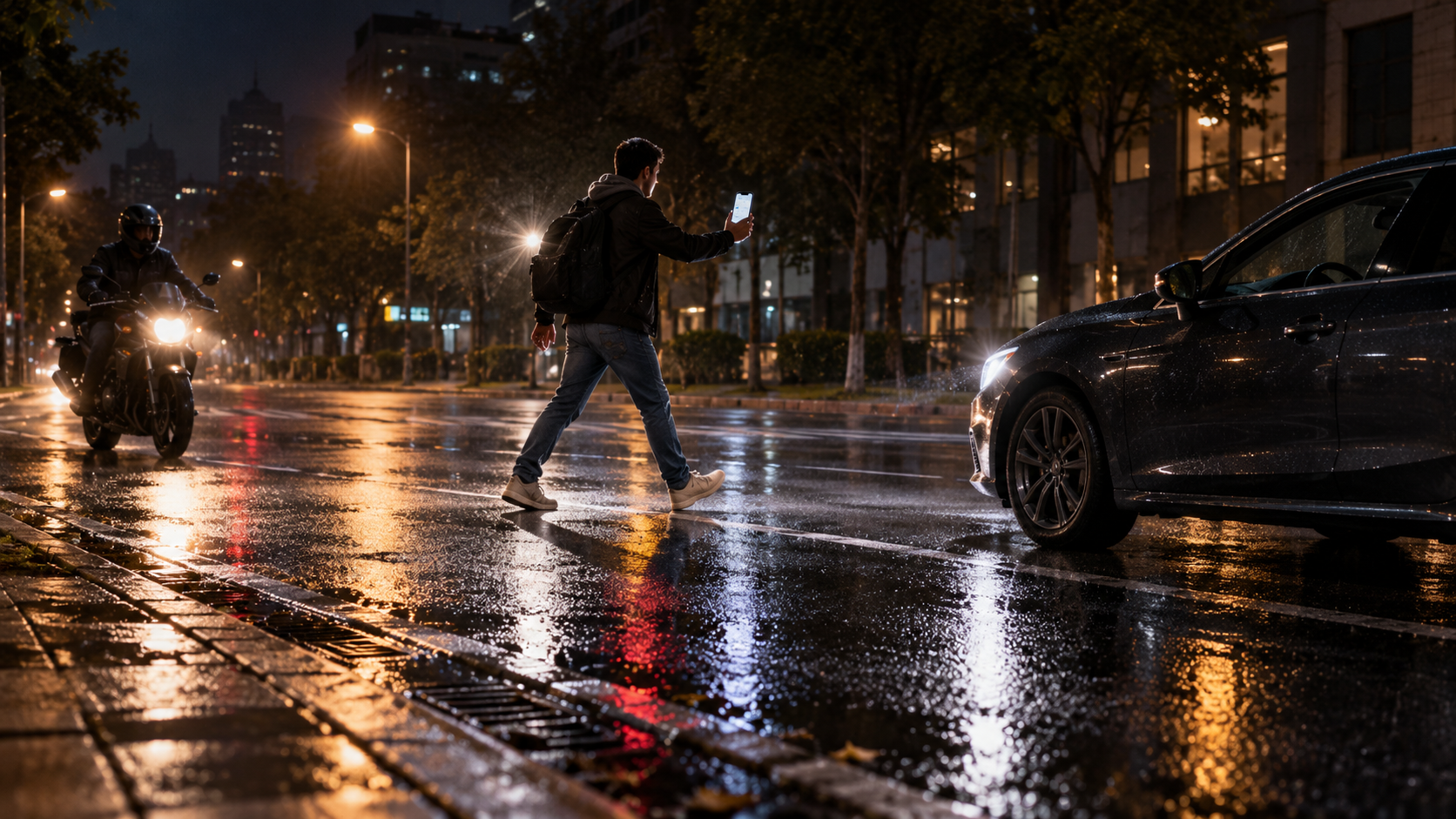
Lifestyle scenes are AI-generated illustrations. They do not document an actual incident.
Five promotional illustrations of pedestrians carrying a lit phone on city streets at night. These AI-generated scenes are not app screenshots or recorded footage.
NightSafe does not upload your camera videos or microphone recordings. There is no continuous location tracking, account system or remote monitoring. If you grant approximate location for recording, the last known coordinate is saved locally beside that clip for the video list. Google AdMob and Google Play Billing have their own data practices, explained in our privacy policy.
Read the privacy policy ↗Videos are saved on your phone.
Stop, leave or lock to end recording.
Live previews, camera labels and timer.
Play saved clips with local date, time and optional location.

The A Coffee, Two Coffees and Three Coffees choices are configured in Google Play for NightSafe. Version 2.1.8 is currently in Google Play review. Eligible Google Play installations can offer these repeatable one-time purchases. Google Play shows the final local price. Any completed purchase removes both banner ads on that installation, and another coffee can be bought later. No subscription; this website does not collect payment.
Open NightSafe in Google PlayThe What’s New page explains the latest features when you open NightSafe. Select Don’t show again to hide it at startup for this update. You can always reopen What’s New from the three-dot menu, and uncheck that option to show it at startup again.
No. Start controls the screen and supported flashlight only. Video and audio are used only when you choose Start with Camera Recording and grant the requested permissions.
Simultaneous front and rear recording needs compatible hardware and supported camera combinations. Otherwise NightSafe automatically uses an available camera, preferring the rear camera. The live preview and label identify what is recording.
On Android 10 and later, look in Movies/NightSafe-Recordings. The Recorded videos item in the three-dot menu lists NightSafe clips and opens them in your phone's video player. Each entry shows the saved date and time plus approximate location when you allowed it. On older Android versions, recordings use the app-specific Movies folder. Two-camera mode produces two files with a shared timestamp. Audio is in the rear file, or the available file in single-camera mode.
No. NightSafe keeps the screen awake during active use, but manually locking the phone or leaving the app stops recording and flashing.
No. NightSafe is a visibility aid and an optional recorder. It cannot guarantee that a driver sees you, prevent an accident or identify every vehicle. Always pay attention to the road.
No. SOS flashes the screen red in a distress pattern together with the flashlight. It does not call, send messages or share your location.